
DALI Emergency Lighting Demo
Automatic DT1 function and duration tests, email reports and a status dashboard on one Wolf Gateway.
Every month someone has to test each emergency light and write down what happened. Usually that falls to the owner or the maintenance company that looks after the building. Here the job runs by itself. The controller tests the DALI DT1 luminaires on schedule, keeps every result, and sends a mail when one fails.
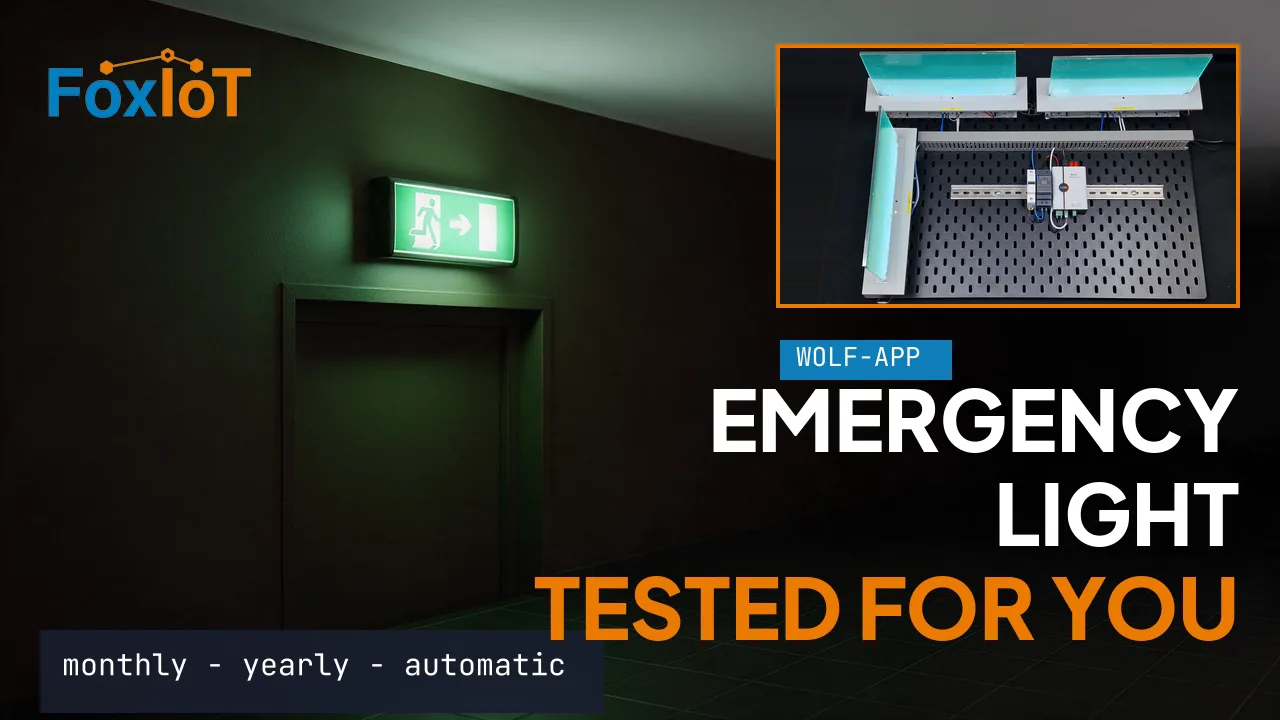
The whole setup in eight minutes
| Time | Chapter |
|---|---|
| 0:03 | The test bench: a Wolf Controller and three DALI DT1 luminaires |
| 0:24 | Site name and email settings, with a test email |
| 1:00 | Turn on the DALI channel and its bus power |
| 1:41 | Commissioning: find the luminaires |
| 2:32 | Identify, Blink, and the name on the label |
| 3:45 | Bus statistics |
| 4:12 | The two rules: DT1 watcher and DT1 tester |
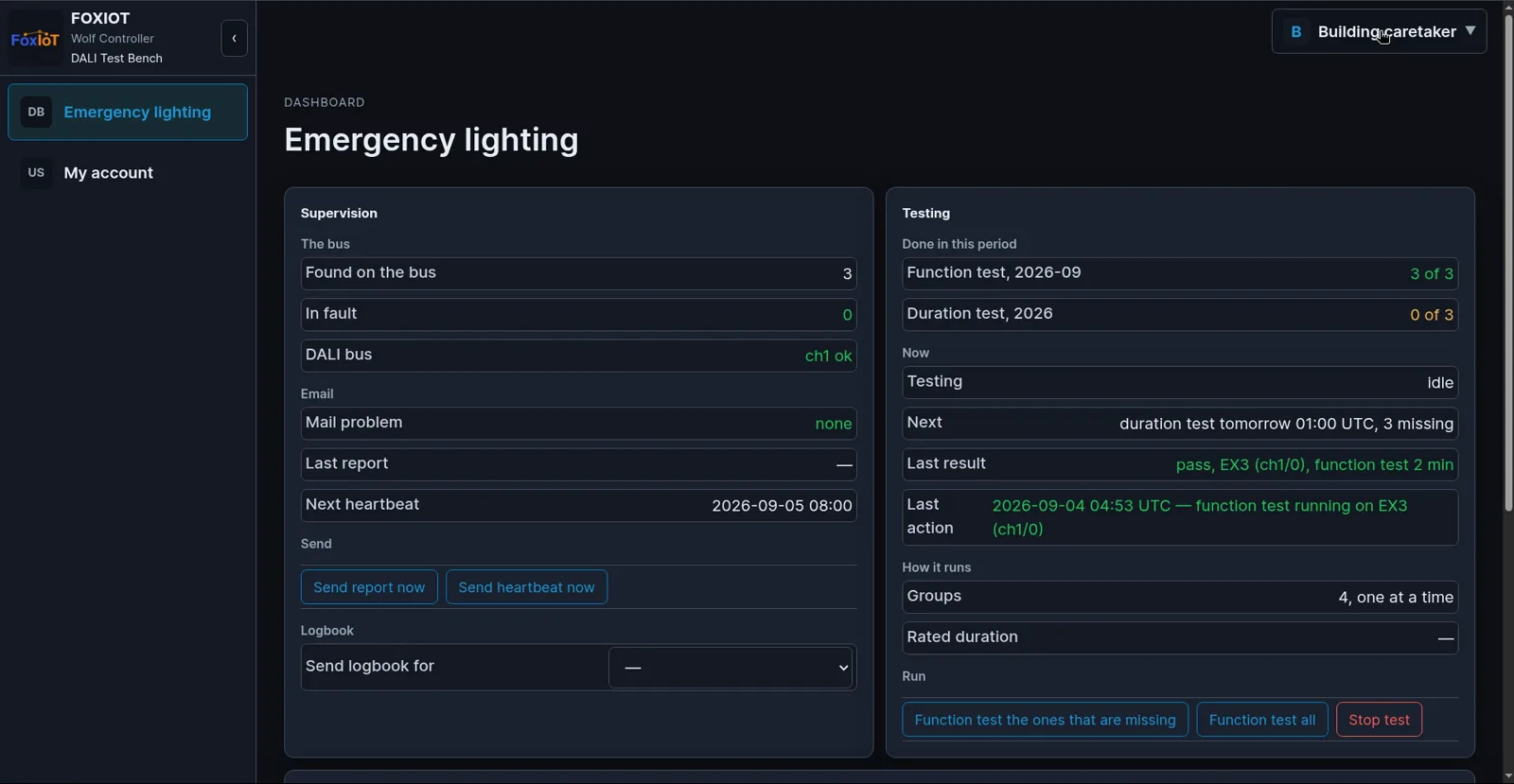
| 5:29 | The Emergency lighting dashboard |
| 6:57 | One page for one person |
What the controller does
Commissioning
Find the luminaires, make one blink, and name it after its label.
Groups and scenes
Dim, switch and group up to 64 control gear per bus, 128 in total.
DT1 emergency tests
Monthly and yearly tests run by themselves, one group at a time, into a test archive.
Alarms and reports
Faults and failed tests by email, plus a heartbeat and a monthly report with a CSV file.
Status dashboard
One page with the health of the system, the test status and every luminaire.
Open for integration
Modbus TCP, REST API and MQTT, plus Lua rules you can change.
What you need
| Part | Role |
|---|---|
| Wolf Gateway with Wolf-2DALI | Two DALI-2 buses with integrated bus power, RS-485, DIN-rail |
| Wolf-App | Standard firmware with the DALI stack, rules, dashboards and email |
| DT1 watcher and DT1 tester rules | Free download in the rule library, with every setting explained |
| DALI-2 luminaires, DT1 type for emergency lighting | Up to 64 control gear per bus |
| A mail account for the controller | Test reports and alarms are sent by email, over normal SMTP |
Network, time and the first admin account are set up once, as described in the Wolf-App getting started guide.
Talk to us about your building
Every installation is different: the number of buses, the luminaire types, and where the reports have to go. Contact us with a short description of the site and we will tell you what fits. Pricing on request.